So far, we have discussed the impact of your page load time on just about anything, and the impact of your page load time on your conversion rate. The improvement of your loading speed is a pressing issue to discuss with your team, especially if you are into any kind of e-commerce business: web shops, online services, business transactions, but also lead-generation or any other type of website…
Your customers are not only impatient and not only will they leave in a matter of milliseconds. They also won’t forgive your negligence. But, how to know which components are slowing you down? Some of them may be working just fine. It could be anything: caching, too many HTTP requests, formatting of your images, videos, it could be your hosting service, junk lines in the code… Luckily, there are some neat speed testing tools that will help you in precisely narrowing down your problem.
Book a demo today to see GlobalDots is action.
Optimize cloud costs, control spend, and automate for deeper insights and efficiency.

Cleaning up your code is a first step to faster website, but after that, you can only accelerate it by using hardware acceleration (CDN, dynamic acceleration, cloud hosting etc).
Let’s see these website speed tools!
Pingdom Tools

Pingdom uses a global network of servers to monitor your site throughout the whole year. It will immediately include statistics for your uptime, response time, website performance. Plus,historical records of all downtimes and errors. They have implemented an alert system that will notify you (via an SMS, or an e-mail) of a downtime or an error, so you can take action before it affects your business. Also, performing a Pingdom test will help you decide whether you need to improve your CSS files asset, or use Content Delivery Network (CDN) hosting which uses servers located at different data centers to deliver content from the server that is, for example, closest to the end user.
Page Speed Online
URL: https://developers.google.com/speed/pagespeed/insights
This is a web product by Google. It will analyze your website’s performance under Google’s Web Performance Best Practices, from the client’s point of view. Page Speed evaluates how well your pages eliminate steps involved in page load time such as transmitting HTTP requests, downloading resources, parsing and executing scripts, resolving DNS names and so on. This is useful in understanding how to shorten the time each step takes to complete. Google’s Web Performance Best Practices also give advice on how to tune your site for the characteristics of mobile networks and mobile devices (which are becoming increasingly popular, but take more time to load webpages than desktop browsers).
Which Loads Faster?
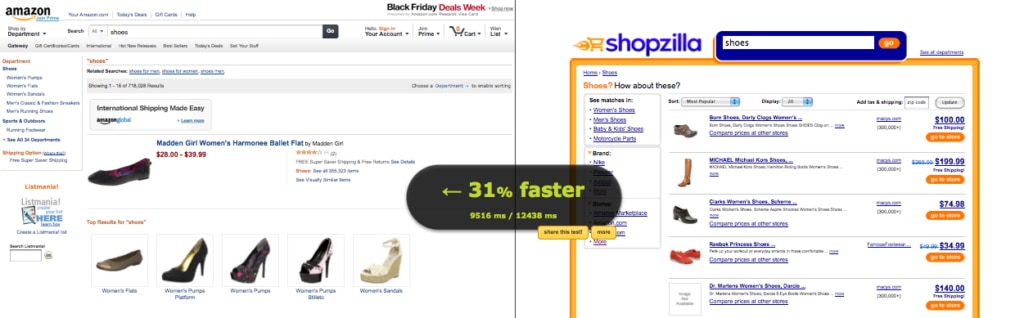
URL: http://whichloadsfaster.com/
This is interesting if you wish to compare your load rate with the rate of your competitors. According to recent research, 250 milliseconds is what keeps your customers from choosing your competitor over you. And each 250 milliseconds delay may mean a significant loss in your revenue. For Amazon, 100 milliseconds increase in speed rate meant 1% increase in the sales money. This equals $1.6 billion in revenue (for Amazon) per just one second. Find out more about the significance of the page load time impact on the conversion rate in our previous post. Which Loads Faster is available as an open source, written in HTML and JavaScript and runs entirely on the client-side.
WebPageTest
URL: http://www.webpagetest.org/
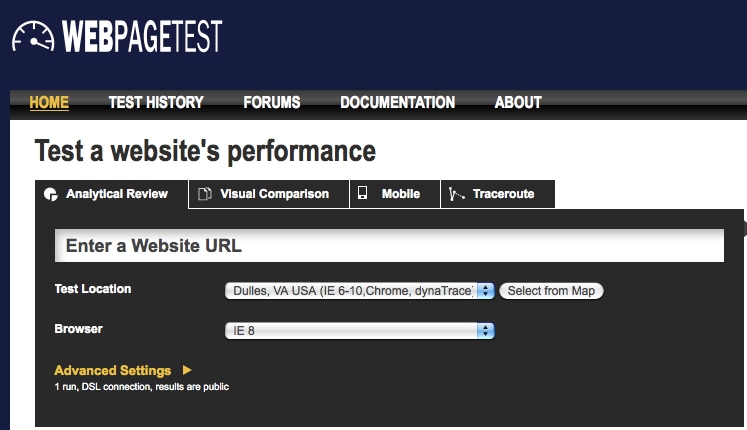
The WebPageTest tool allows you to run a free website speed test from multiple locations around the globe using real browsers (Firefox, Chrome, IE). You can choose to do tests from several geographical regions. The tool will give you charts, optimization checks, suggestions for improvements. Also, you can see how much ads are blocking your site’s performance.
YSlow
URL: http://developer.yahoo.com/yslow/
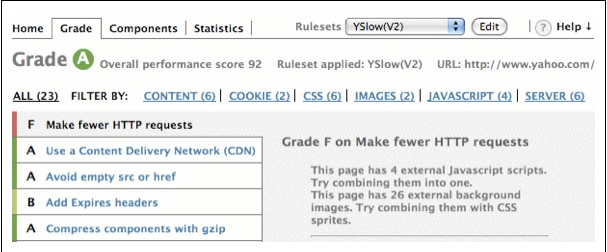
YSlow comes from Yahoo and is available as a plug-in for Firefox and Chrome. It provides a detailed report card and adds a grade (A, B,…F) according to your overall performance score and gives separate grades for separate scores. YSlow also gives a nice set of tips and their own Best Practices for Speeding Up Your Website, e.g. minimize HTTP requests, use a Content Delivery Network (CDN), add cache-control header, put stylesheets at the top, and so on.
Load Impact
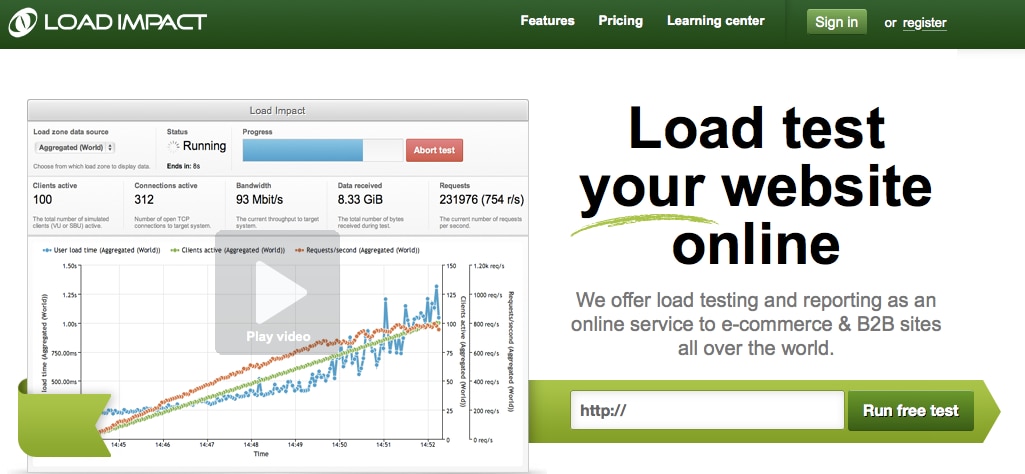
This testing service executed over 400,000 load tests mostly for large websites visited by few thousand visitors each day (up to 50,000). However, you’ll ned a premium account for checking impact for more than 50 simulated users. It runs on cloud servers and gives you an all-time access to your test configurations and test results. The tool also emulates different user types, loads from multiple geographical locations, gives real-time load test live results, insight into powerful metrics and more.
Octa Gate
URL: http://www.octagate.com/service/SiteTimer/
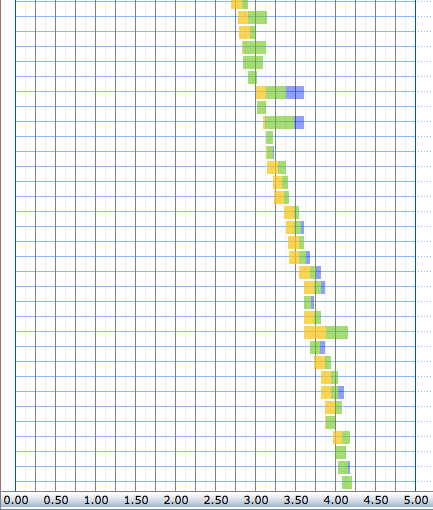
Octa Gate offers a bird’s view insight into the site load time for each of your pages. The SiteTimer explains in colors (yellow, green and blue) how much it takes to download all content from your webpage from the start to the last byte: images, frames, Script files… Then, the SiteTimer presses this information in a grid, niftily.
For information on more similar tools for website speed testing, you may want to visit the following links:
- Jacob Gube: 20 Free Online Tools for Website Speed Testing (http://sixrevisions.com/tools/free-website-speed-testing/)
- Readwrite: 15 Tools to Help Speed Up Your Website (http://readwrite.com/2011/07/28/15_tools_to_help_speed_up_your_website)